
Make a strong first impression
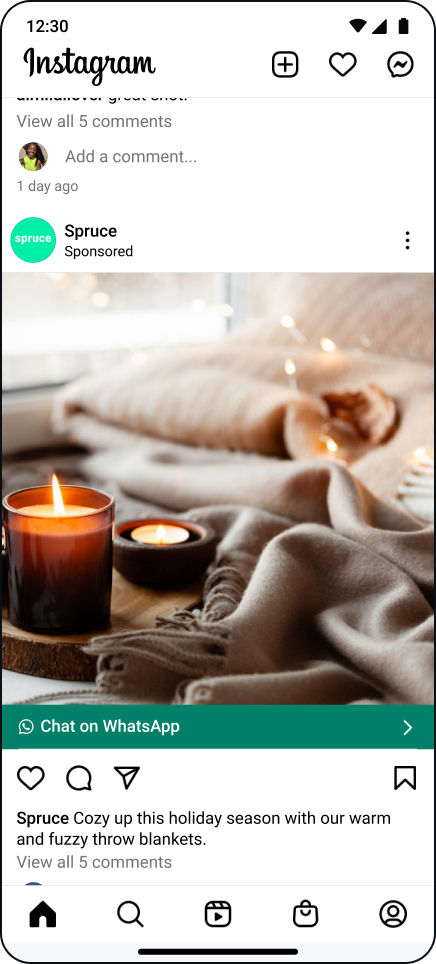
Use ads that click to WhatsApp to drive users to start a chat with your business on WhatsApp. These ads can appear on Facebook and Instagram, helping you reach customers wherever they prefer to connect.
Put your best foot forward — your ads are often the first impression new customers will have of your business. Following best practices for ads that click to WhatsApp and creating compelling ads will get you a step ahead this holiday season.
To create strong ads, ensure that all imagery is clear, focused and easy to read. Be sure to include a call-to-action so customers know what to do next, whether that’s browsing your catalog, making a purchase or filling out a lead form.
Learn more about creating strong ads that click to WhatsApp:


Grow sales using ads that click to WhatsApp
Engage your audience
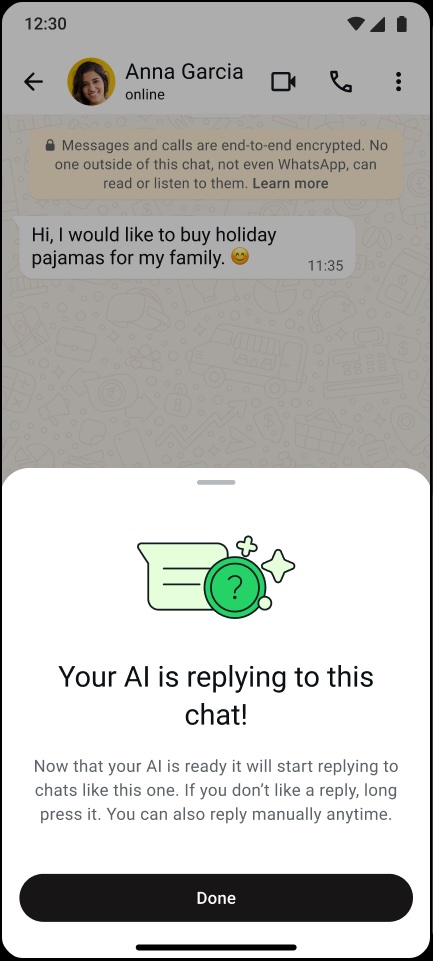
An engaged audience can help you grow your loyal customer base. Keep your potential customers interested by responding to their questions quickly. Tools like Meta Business Agent and quick replies allow you to focus on business knowing that your inbox is taken care of during the busy holiday season.
Did you know? More than 175 million users globally send a message to a WhatsApp Business account daily.
*Meta Internal Data
The WhatsApp Business app allows business owners to have a separate inbox for personal and professional emails. With Meta Business Agent or other automated messaging tools, you can rest assured that your messages are receiving responses. Lists can also help you keep track of customer messages in your professional inbox. Give yourself the freedom to take time away from your phone so you can spend quality time with friends and family during the holidays.
Make purchasing easy
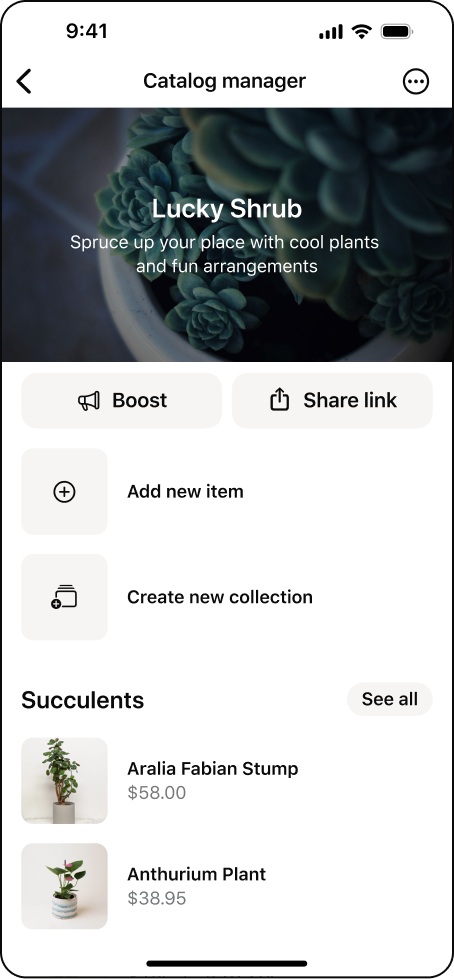
Make the purchasing process smooth for your customers with fewer steps between starting a conversation and making a purchase. You can streamline the process in a few ways. A robust catalog will provide your customers with plenty of options and all the product information they need to make a purchase. Messaging tools like Meta Business Agent will help answer customer questions so they can make their purchasing decision before the conversation gets handed off to you to complete the sale.
Additionally, completing payments on WhatsApp makes it easy for your customers to make a purchase without leaving your conversation. Cut down on back and forth messaging so you can focus on running your business this holiday season.
*Note: Payments on WhatsApp is currently only available to WhatsApp users in India and Brazil.