

Help your business stand out with a verified badge

Build confidence with new audiences
Meta Verified provides access to the verified badge, which means Meta has verified you are who you say you are across our technologies, helping new audiences feel more confident engaging with you.

Protect your brand
Meta Verified helps protect your business from impersonation and provides access to customer support to get help when you need it.

Efficiently engage with your audience
Meta Verified provides more tools to help you engage more efficiently with your audience.
Showcase your authenticity
Almost twice as many people say they are confident a business is who it says it is when it has the Meta Verified badge than when it does not have the badge.
* Based on a Meta-commissioned online survey conducted among 3,974 people across 44 countries.
What you get as a Meta Verified WhatsApp account
Meta Verified gives you access to tools that help you engage more efficiently with your audience.
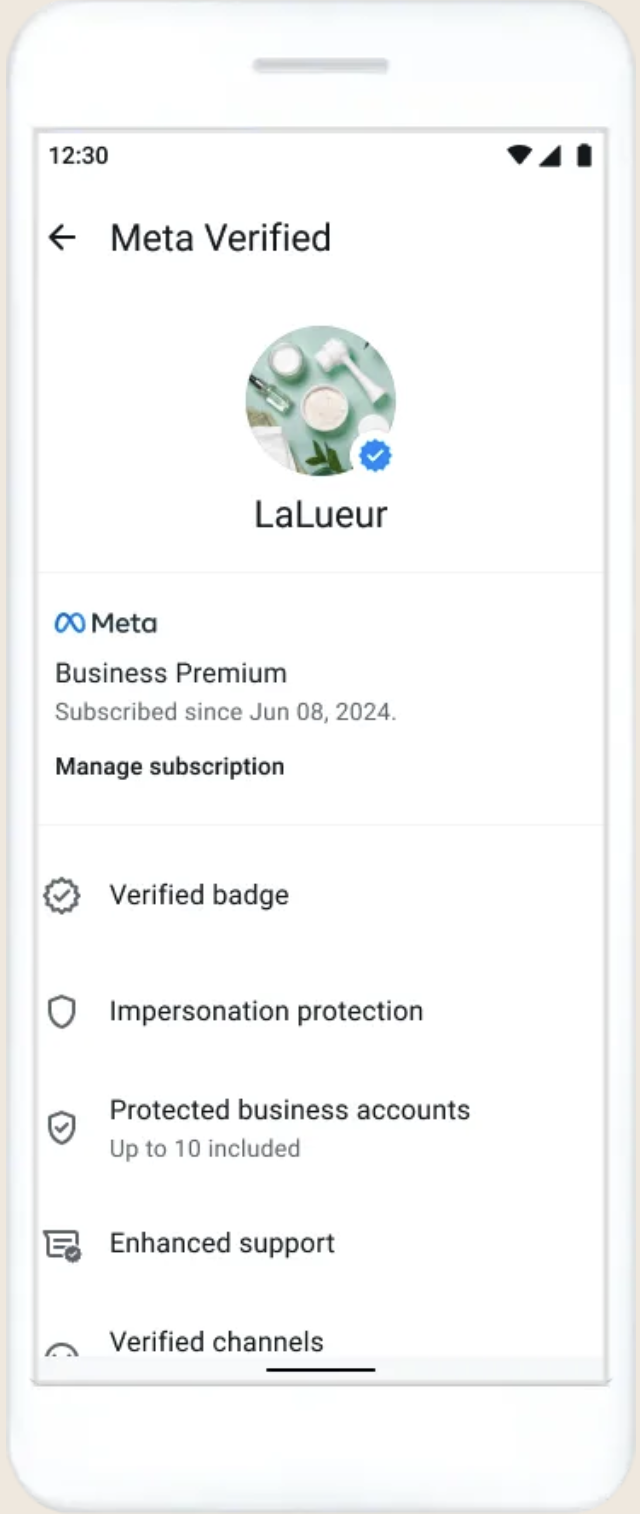
Verified badge
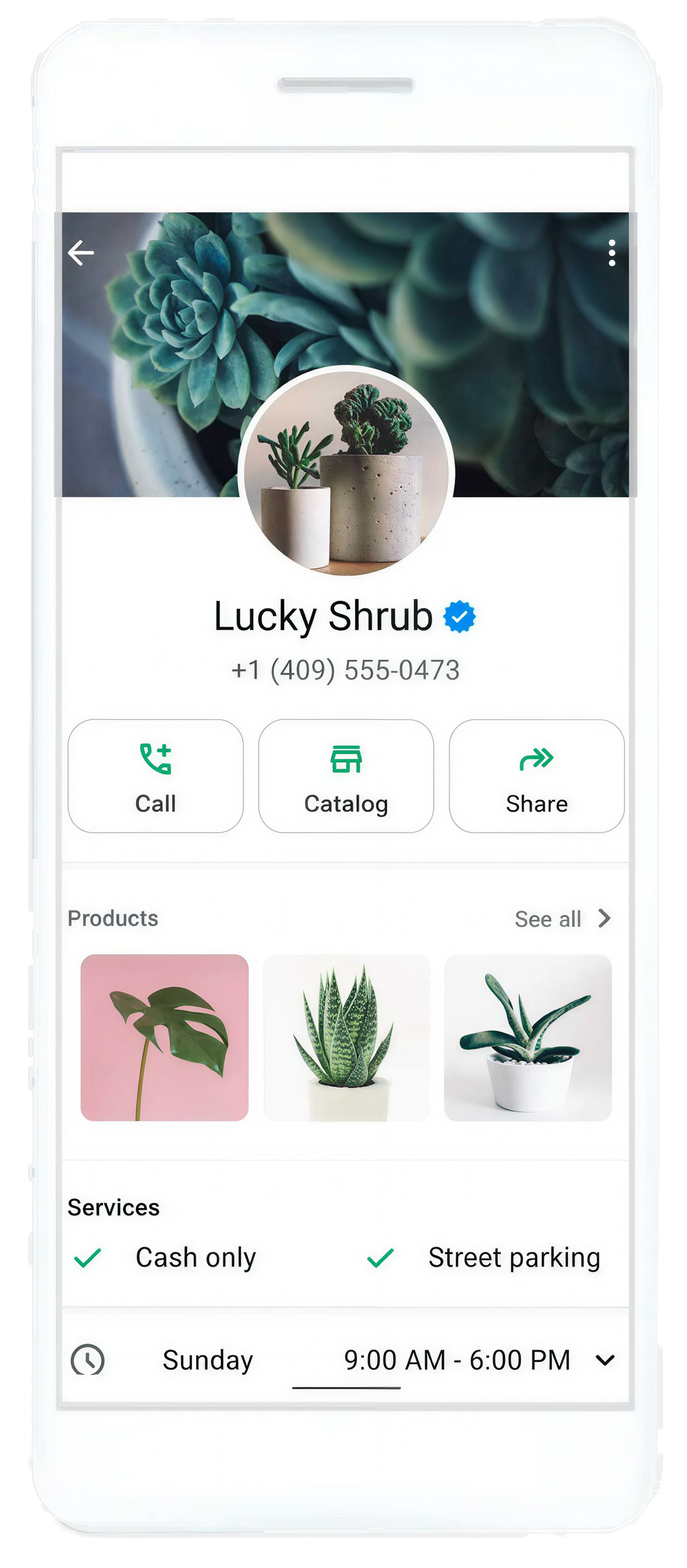
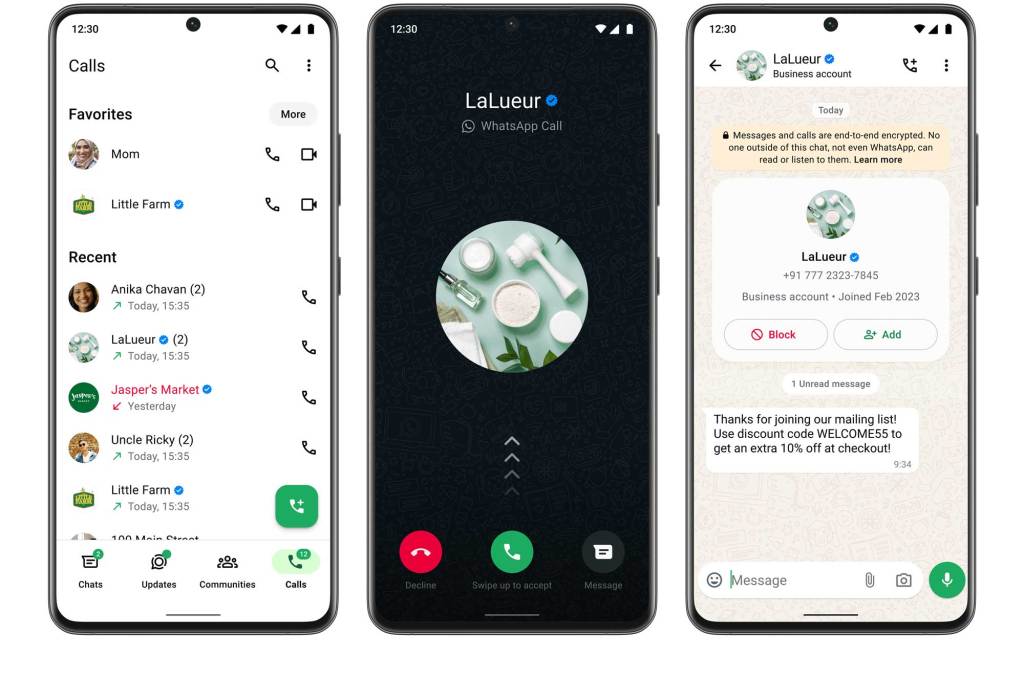
- A verified badge means that Meta has verified your business’s account. A Meta Verified Badge can be visible in:
- Calls tab
- Business profiles
- Context cards
- Chats
- Incoming calls from verified businesses
Custom web page
- Create a professional web page on WhatsApp with a custom link helping people more easily find and engage with your business.
Enhanced support
- Get access to prioritized in-app support with agents to resolve your issues.*
Multi-agent account
- Manage large numbers of customer inquiries and orders more efficiently by connecting multiple devices to your account and assigning chats to your sales agents.
Verified channel
- Add a verified badge on up to 10 WhatsApp Channels & help potential customers feel more confident when engaging with your brand.
*Support coverage may vary as per subscription tiers across Business Plus, Business Premium, Business Max.
Ready to do more? Introducing Meta One on WhatsApp Business app
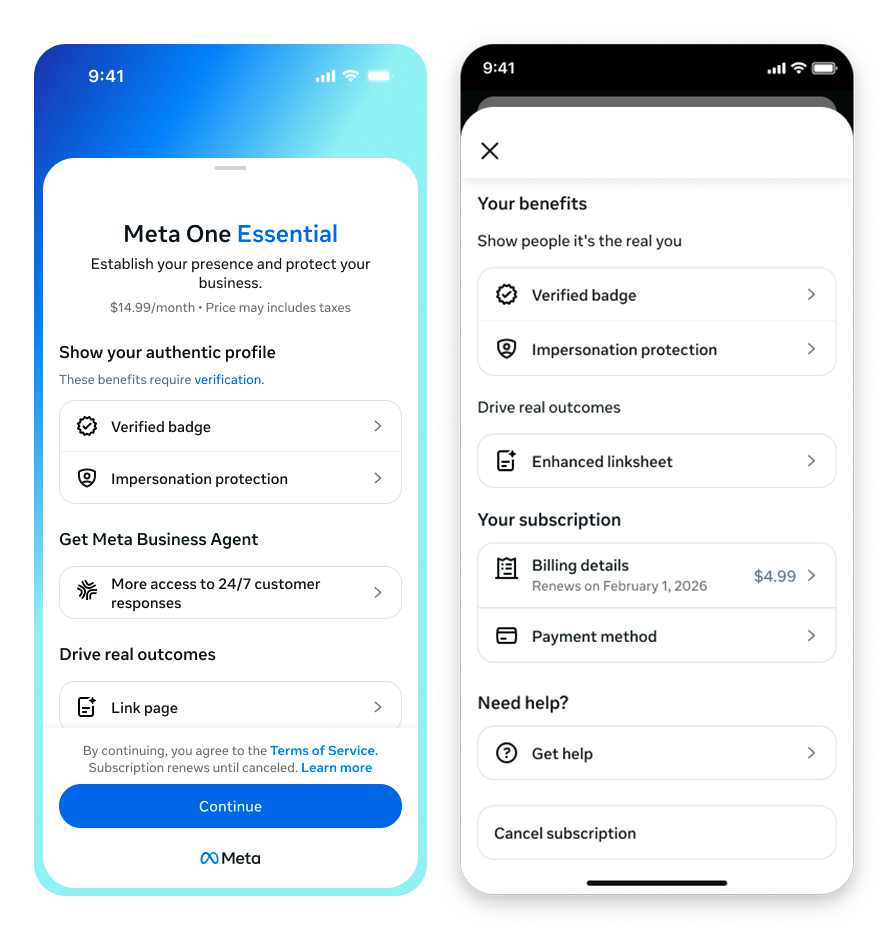
If you’re looking for more than verification, like AI-enabled automation, proactive customer reach and premium tools to help grow your business, Meta One on WhatsApp Business app is your next step.
Meta One includes everything in Meta Verified — and more. While Meta Verified helps you build trust and protect your brand with a verified badge and impersonation protection, Meta One is a comprehensive business subscription that adds AI-enabled tools, proactive messaging and premium features designed to help you serve more customers, capture leads automatically and scale your operations — all natively within the WhatsApp Business app.*
*Plans, benefits, features and availability vary. Cancel anytime. Eligibility restrictions and auto-renewal terms apply. See full terms.
Get started with Meta Verified on WhatsApp
Getting started is simple. First, you’ll go through a verification process, which is based on your activity across Meta technologies. You can also provide information or documents to get verified. Make sure you have your business information ready, then open your WhatsApp Business app and:
- Tap on Tools and then select Meta Verified
- Select your subscription package
- Select the account(s) you want to verify
- Make your first payment
- Enjoy the benefits of being Meta Verified
Have questions? Learn more about getting started with Meta Verified.
Before subscribing to Meta Verified for businesses on WhatsApp, verify that your business and account information are up-to-date. Learn more about the steps you need to complete before purchasing a subscription.
WhatsApp Business Platform Resources
Learn all the ways you can build deeper relationships and drive value for your business across the customer journey using the WhatsApp Business platform.