

How Meta Business Agent helps small businesses
Meta Business Agent on WhatsApp is designed to support your business, so you can spend less time managing your inbox and more time growing your business.
Save time and resources
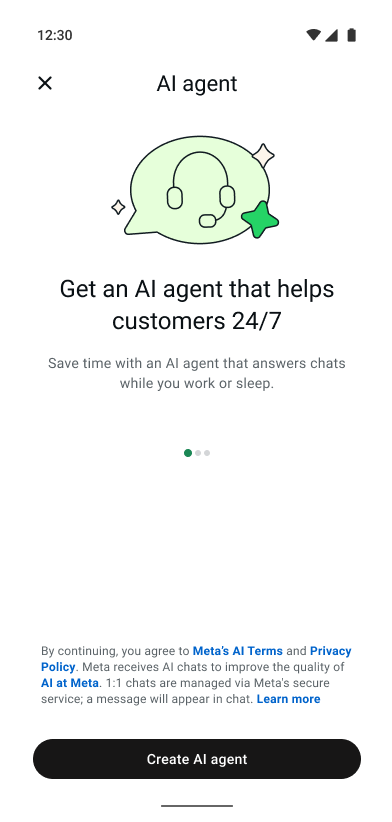
One of the most immediate benefits of an AI agent is the ability to help save time. It helps respond to repetitive messages so you can focus on more high-intent leads. By automating routine inquiries, you may reclaim time and focus more on growing your business. A Business Agent can help reduce the hours spent answering the same questions over and over. It can gather customer details, share product information, and alert you when your help is truly needed, helping free up your team to focus on other crucial aspects of your business, such as marketing or product development.
Control your AI agent
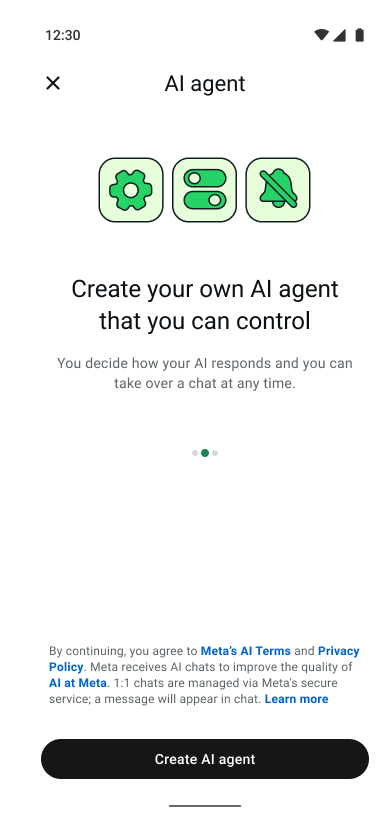
It’s possible to maintain your brand’s voice with fully customizable settings for your AI agent and seamless chat transitions to your team. As Priscila Bordinhon, owner of Bordinhon Móveis, states about Meta Business Agent on WhatsApp, “Even our way of speaking, it has already adapted and adjusted to that. So it is really amazing, it’s not a robotic thing.” Your AI agent is fully customizable to fit your specific needs. You can easily set up an agent built natively for WhatsApp, test its responses before it goes live, improve its knowledge over time, manage who it engages with and when, and step in whenever you want. You remain in control.
Help avoid missed conversations
In today’s fast-paced world, customers expect quick answers. With a Business Agent, you can help build customer connections 24/7. An AI agent is designed to reply quickly, keeping your business running even when you are asleep or busy with other tasks. It can request customer information and help deliver timely, personalized support to help drive sales, helping reduce the chance that leads go cold.
Extend your team and grow your business
Think of your AI agent as an extension of your team. It can help capture leads by gathering essential customer information, which may help you convert prospects more efficiently. Furthermore, it can help drive sales by guiding customers to discover your products and seamlessly passing the conversation to a human when it is time to complete the purchase or handle a complex request.


Setting up your AI agent
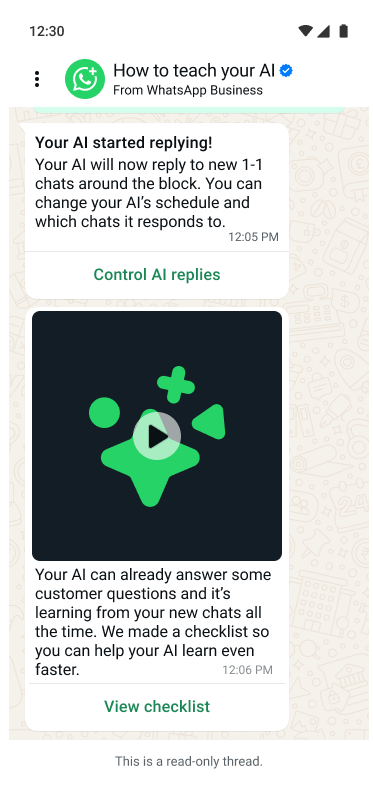
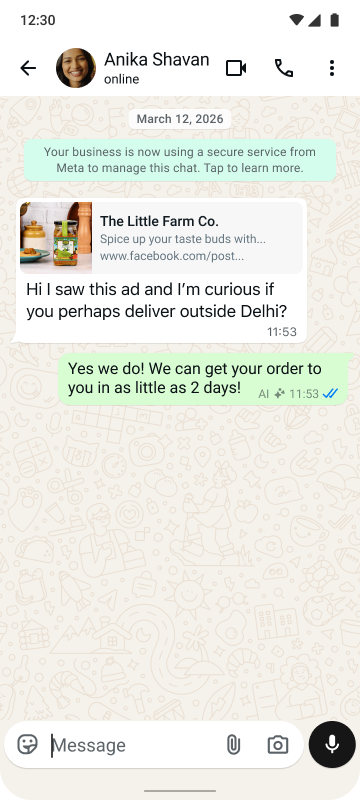
Creating a customer experience aligned to your brand is designed to be simple. Customers can start a chat from an ad that clicks to WhatsApp, a social media post, or through general discovery. When a new conversation starts, your Business Agent is designed to respond and reflect the tone of your business in a helpful and natural way. Setup is simple, and it happens right where you already work: directly within your WhatsApp inbox and the WhatsApp Business app. This simple onboarding helps you focus on higher-value conversations from day one.
Step 1: Set up your Business Agent on the WhatsApp Business app
Make sure your phone number is already registered in the WhatsApp Business app. Go to Tools, select Meta Business Agent, authenticate, link your account if prompted, and tap Confirm.
Step 2: Easily teach your AI agent
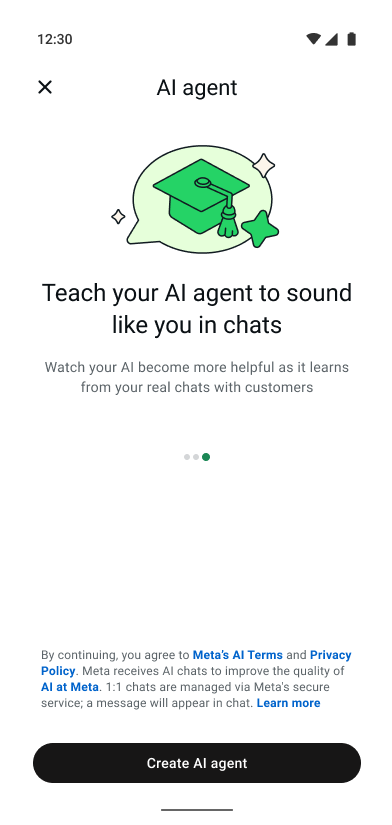
Let your AI agent learn from your past chats, and add your website or catalog if you’d like. Your AI agent can start replying to customers, continually learning from the information you provide.
Step 3: Activate your AI agent
Complete setting up your AI agent. You can manage and update your settings anytime within Tools — adjusting your replies and adding more information to teach your agent whenever you want.
Learn more about setting up Meta Business Agent on WhatsApp.
Test before going live
You can ensure your AI agent is working the way you want it to before turning it on.
- Test your AI agent
- Interact with your AI agent in test mode to see how it responds and adjust as needed.
- Provide Feedback
- Improve your AI agent directly from the chat — in test mode or live. You can edit and rewrite responses to help your AI agent learn and adapt.
- Go live
- Launch when you feel confident in your AI agent’s abilities.
You’re in control
A common concern among small business owners is losing the personal touch. Rest assured, you can remain in control, with smooth human hand-offs. Conversations can move fluidly between the AI agent and human support, supporting efficiency while helping maintain your oversight. You can step in anytime to close a sale, answer a highly specific question, or when the conversation simply gets too complex for the AI agent.
Best practices for success
Once you have your AI agent set up, follow these best practices to help you get the most from its potential:
- Start with the right information:
- For the best experience, ensure you let your agent learn from past conversations. Make sure your business information and product descriptions are complete and up-to-date. Have any FAQs or documents? Upload them directly to your Business Agent to provide instructions and additional context. Clear details help your AI agent to provide more accurate answers and may reduce unnecessary back-and-forth.
- Prioritize what drives your business:
- Select popular products or services for your AI agent to recommend. This helps guide customers toward what matters most to your bottom line.
- Control when your AI agent steps in:
- Decide when your AI agent responds automatically or when you want to step in personally. A great strategy is to use your AI agent for frequently asked questions and step in yourself for high-value conversations.
What a Business Agent can do for you
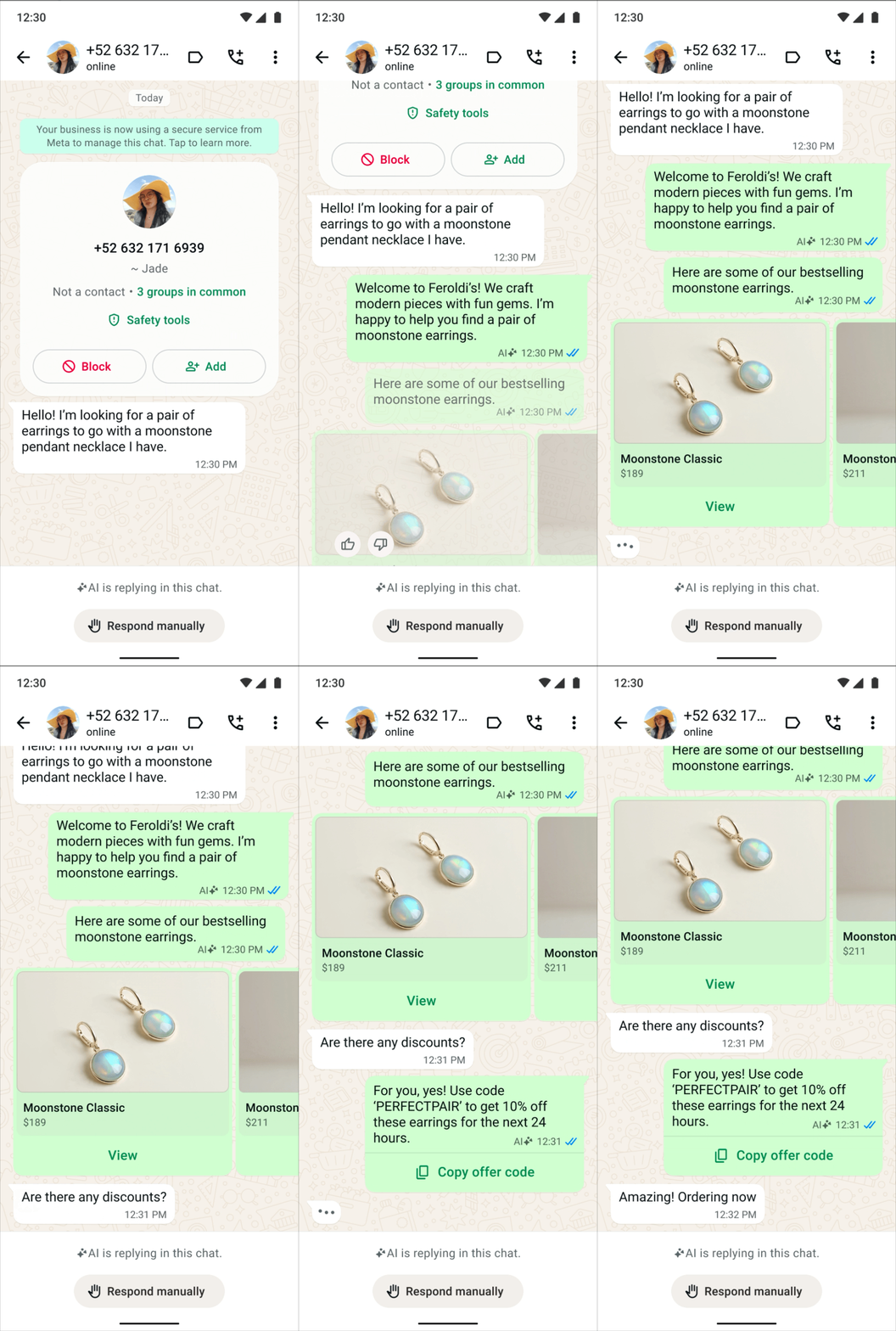
To summarize, Meta Business Agent is designed to help streamline your operations:
- Gather customer information
- Your AI agent can automatically collect customer details, helping give you time to focus on important work.
- Drive sales
- Your AI agent can answer questions and share personalized recommendations to help move sales forward.
- Deliver customer service
- Your AI agent responds 24/7, helping resolve common issues and escalating complex cases to human agents.
You can easily set up your Business Agent and automate your chats, keeping you in control as you free up your time.
Real success stories from small business owners

Guitarras David Alcàntara
David Alcántara, a guitar maker and instructor in Mexico, found himself overwhelmed by customer messages, often having to choose between answering inquiries and designing guitars. By implementing a Business Agent, he automated responses to common questions. “Meta Business Agent on WhatsApp has had a huge impact on my life because it has allowed me to save time that I previously had to spend on answering repetitive questions,” David shared. “It’s definitely a perfect balance between automation and human touch.” During a recent campaign, his AI agent handled 60% of the 400 inquiries he received.

Miss Bonita Lingerie
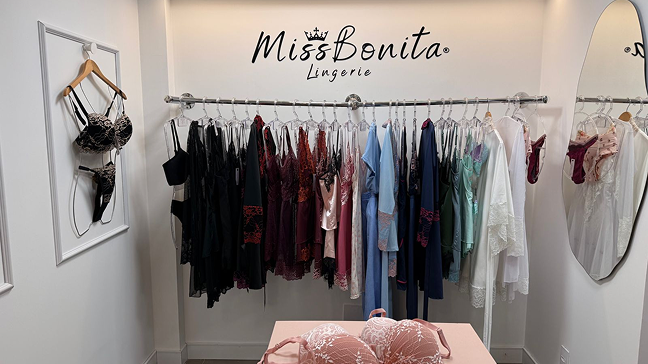
After a devastating flood destroyed her inventory and workspace, Cláudia Aguiar, owner of Miss Bonita Lingerie in Brazil, had to rebuild her business alone. Unable to hire staff, she used Meta Business Agent to manage customer support 24/7. “My AI agent really reflects how I work. It answers customers as well as I do,” Cláudia noted. The AI agent provided instant, accurate responses about products and shipping, freeing her to focus on restocking and marketing.

Albor Arte Mx, Mexico
Verónica Guevara, the solopreneur behind Albor Arte Mx in Monterrey, used to spend much of her time personally answering messages on WhatsApp about her handcrafted jewelry. With her Business Agent, she reduced her time spent on customer responses by an estimated 80%. “Business Agent on WhatsApp answers customers instantly, at any time. I love that it gives suggestions for other products… It’s really cool that it even sends photos,” she said. The AI agent handles the initial engagement, and Verónica steps in when the client is ready to purchase.