

Reduce back-and-forth with catalog and collections
Do you find yourself answering the same repetitive questions about pricing, colors or sizes? Your catalog can do that work for you, giving your customers the information they’re looking for from the beginning.
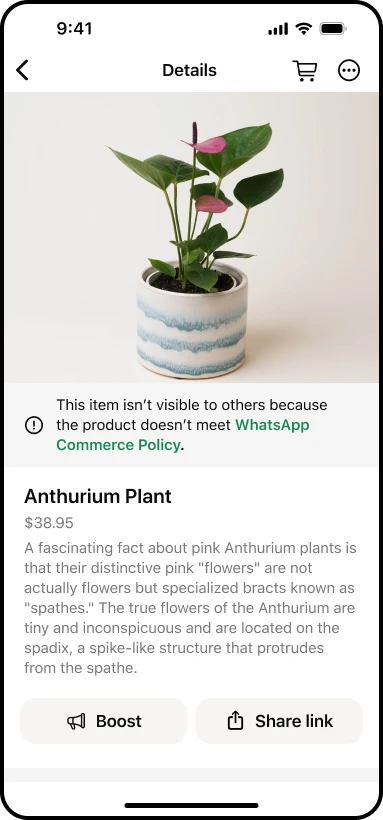
With a WhatsApp catalog, customers can browse your products and services directly in the chat. Instead of typing out long explanations or sending photos one by one, share an item or a full collection in just a few taps. It keeps the conversation moving toward a sale.
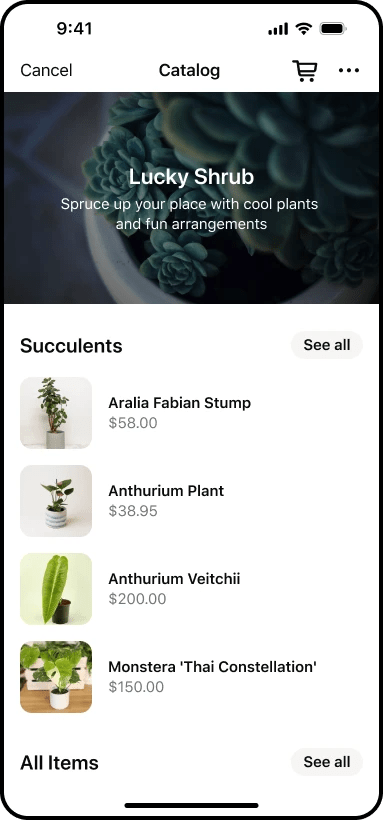
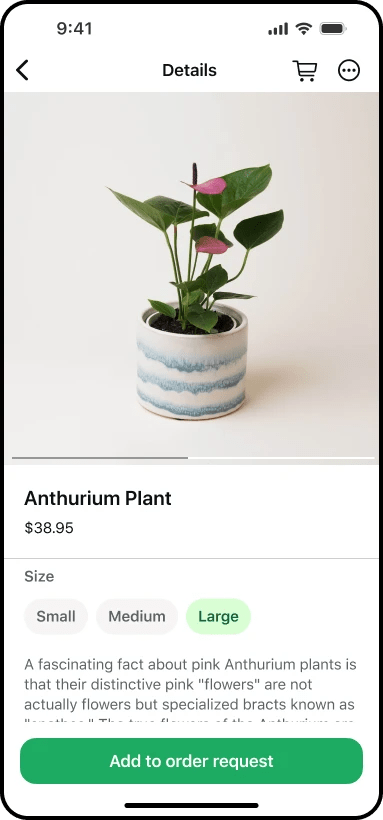
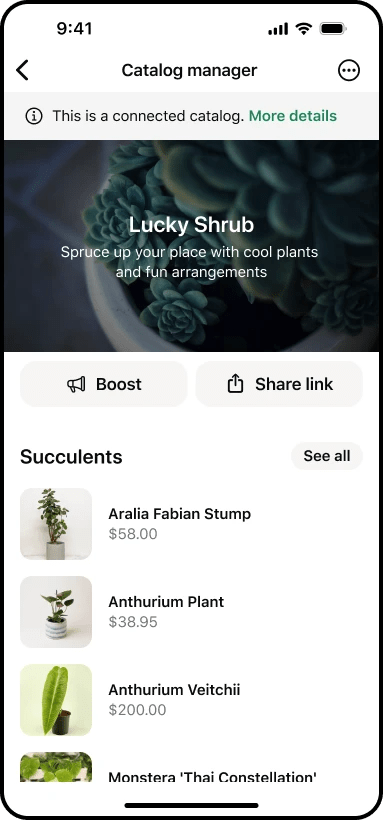
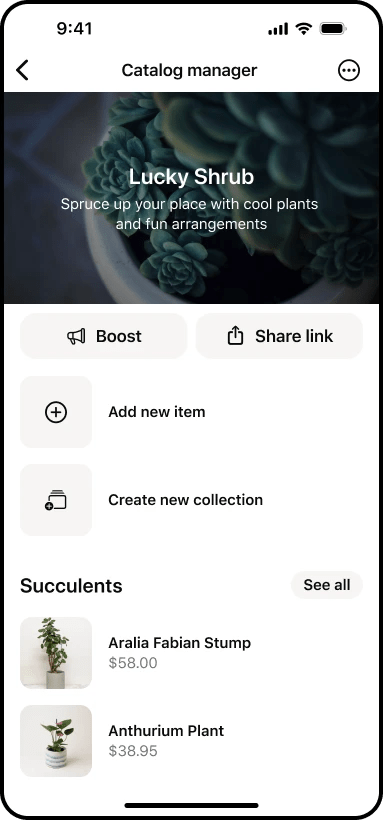
Build collections around how customers actually shop
Collections work best when they match the questions your customers are already asking. You can group items by category, but also try creating collections like:
- Best sellers — for customers who want a quick recommendation.
- Gifts under [price] — for shoppers on a budget.
- Ready to ship — for customers who need something fast.
- Seasonal or limited edition — to create urgency.
- Custom orders — to explain how the process works.
- Bundle sets — to showcase value.
When someone asks a common question, share the relevant collection. You save time, and they get the answer instantly.
You can also upload collections to your Meta Business Agent so it can help answer questions.
Make your catalog do the selling
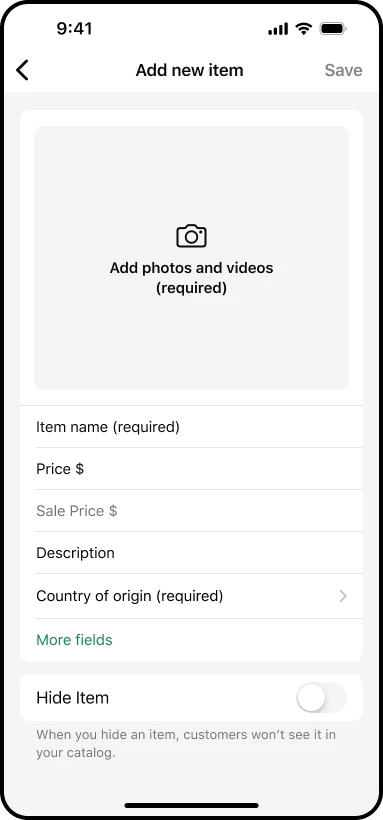
A detailed catalog means fewer follow-up questions, which can be one of the biggest hidden time drains for small businesses. Make sure each item includes:
- A clear product name customers can easily reference
- High-quality photos (keep them consistent)
- A short description covering what the item is, its key benefit, and what’s included
- The item’s price
- Any key details like lead times, available sizes, or color options
When your catalog is clear and complete, customers can make decisions on their own, and you can focus on service and fulfillment.
Keep track of customer preferences with notes
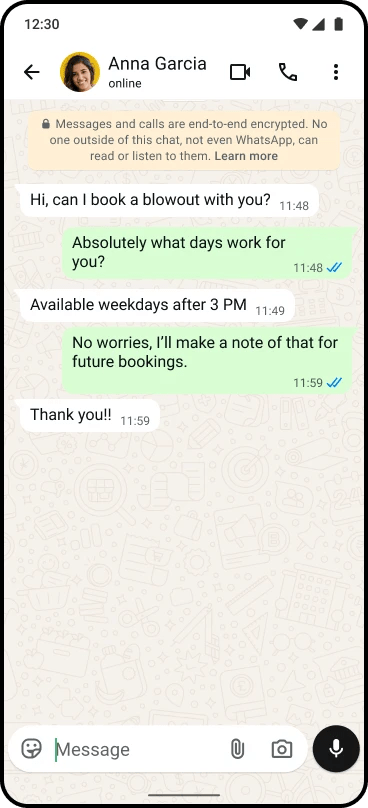
When a returning customer reaches out, remembering their preferences and past orders makes all the difference. Notes can help you do exactly that.
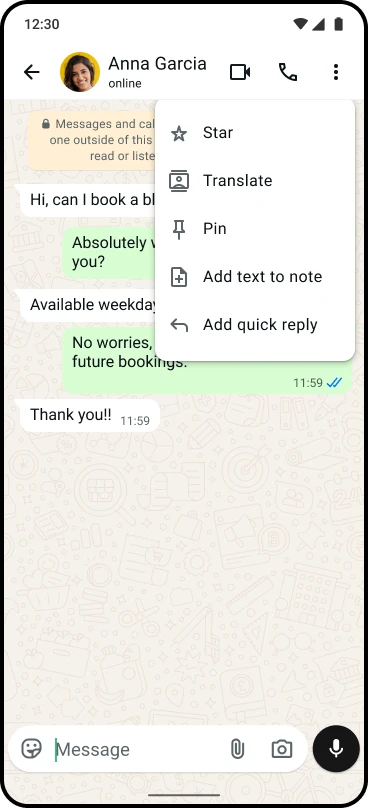
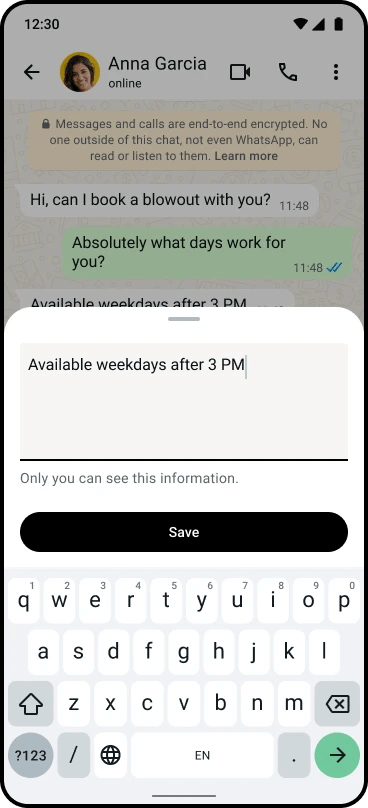
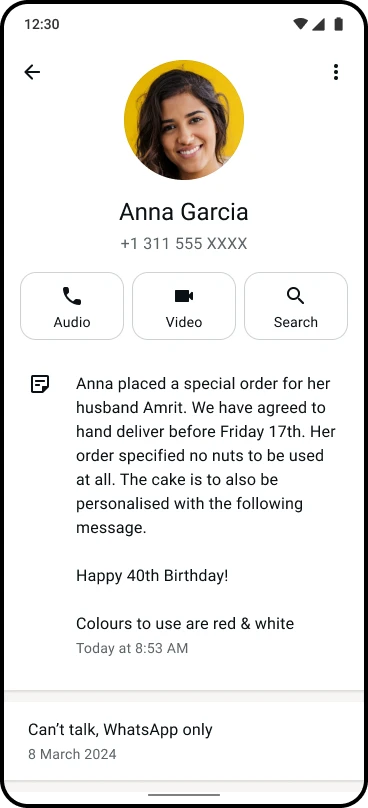
Notes let you save important details right inside the customer’s chat. So when they come back, even weeks later, you can pick up where you left off.
What to save in notes
You don’t need to write a lot. Just save the details that help you avoid mistakes and deliver better service:
- Size, color, or style preferences
- Allergies or dietary restrictions (for food businesses)
- Past orders and favorites
- Delivery preferences (porch drop-off, signature required, etc.)
- Important dates like birthdays or upcoming events
- Communication style (do they prefer quick updates or detailed options?)
Why notes save you time
Notes aren’t just a nice touch, they’re an efficiency tool. They help you:
- Skip re-asking questions you’ve already covered.
- Avoid scrolling through old messages to find details.
- Prevent errors like sending the wrong size or missing a preference.
The payoff adds up. Customers notice when you remember what they like, and that drives repeat purchases. Notes also make it easy to hand off conversations if someone else is helping with messages.
Respond faster with quick replies
Quick replies help you answer common messages in seconds without sacrificing accuracy or personality. They’re especially useful when you’re busy or managing multiple conversations at once.
Start with the messages you send most often
Create quick replies for things like:
- Greeting and away messages
- Pricing and product details
- Current turnaround times
- Location and pickup info
- Payment methods
- Order confirmations
- Return or exchange policies
- Out-of-stock updates
Make your templates feel personal
A template doesn’t have to sound robotic. Build a structure that leaves room to personalize without writing from scratch each time:
- Greet the customer by name
- Give one clear answer to their question
- Include a specific next step or call to action
- (Optional) Add a link to a catalog item or collection
Example: “Hi [Name]! Yes, we have that available in [Color]. It’s [Price] and includes [Details]. Would you like pickup or delivery?”
Combine quick replies with your catalog for a faster flow
Here’s a simple sequence that cuts down on messages and keeps the sale moving:
- Use a quick reply to confirm you understand their question
- Share a relevant catalog item or collection
- Use another quick reply to prompt the next step — payment, sizing, or scheduling
That flow gets your customer from question to purchase with less back-and-forth.