

Finding efficiency with the WhatsApp Business app
Discover how the WhatsApp Business app transforms your phone into a dynamic business tool, helping you connect with customers, automate communication, and grow your brand—all in the palm of your hand.

Keep personal and business messages separate
No more mixing business with personal messages. The WhatsApp Business app gives you a dedicated space on your phone for all your business conversations, so you can focus on your customers when it matters most. Switch between personal and business chats with ease, helping you stay organized on the go.
If you use Meta Ads Manager, you can also access WhatsApp messages through your Meta Business Suite inbox. Set up your inbox via the WhatsApp Business app to manage contacts and customer chats from anywhere, at any time. To keep your connection active, remember to open the app at least once every 14 days.
Automate your business, right from your pocket
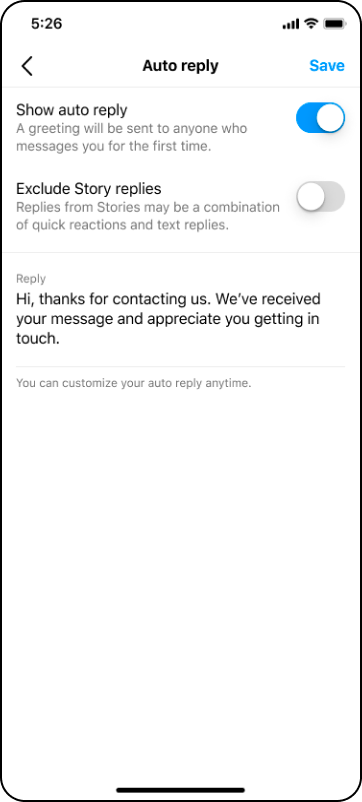
Let your phone do the heavy lifting. WhatsApp Business app offers a variety of features to help you respond to customers quickly and efficiently, even when you’re on the move. Quick replies, greeting messages, and away messages ensure customers get instant responses. Meta Business Agent on WhatsApp answers common questions automatically, so you can focus on closing sales and building relationships.
With these tools, you can step away from your inbox and trust that your business is still providing great service.
Build trust and professionalism on the go
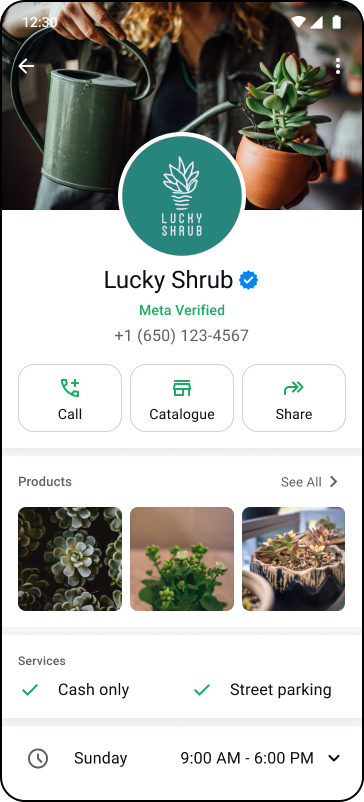
Building trust can help you bring in new customers and keep them coming back. The WhatsApp Business app allows you to foster trust in a few ways. First, having a completely filled out business profile allows your customers to see all your business information up front. A robust, clear catalog and clear product photos helps them to browse your products and make a purchasing decision.
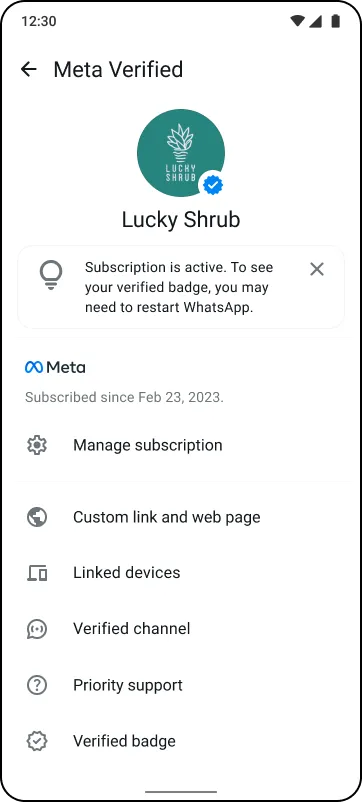
Additionally, Meta Verified provides customers with the confidence they need to make a purchase. When you subscribe, you gain access to a verified badge (the Blue checkmark) and additional tools to help protect your brand and engage more efficiently with your audience.
Provide excellent customer service from anywhere
Ads that click to WhatsApp help you reach new customers across the internet. Encourage potential customers to start a conversation with your business. With automatic messaging tools (like quick replies, automated messages, and Meta Business Agent), you gain the ability to provide your customers with quick, helpful replies.
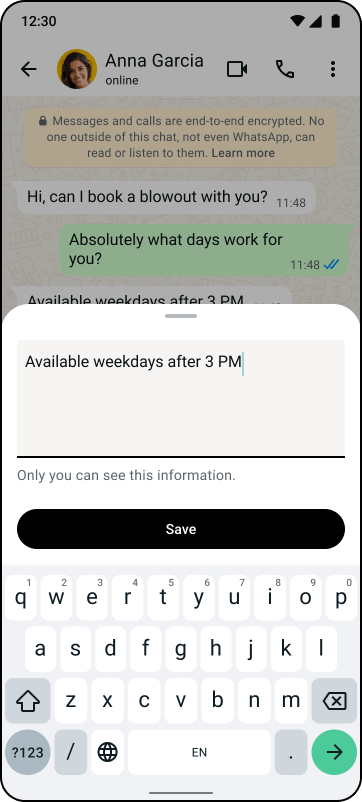
You can also enhance the customer experience by using the notes tool. Adding notes to customer profiles will allow you to remember important details and customer information so you can personalize your future interactions with them.

Find work-life balance with the WhatsApp Business app
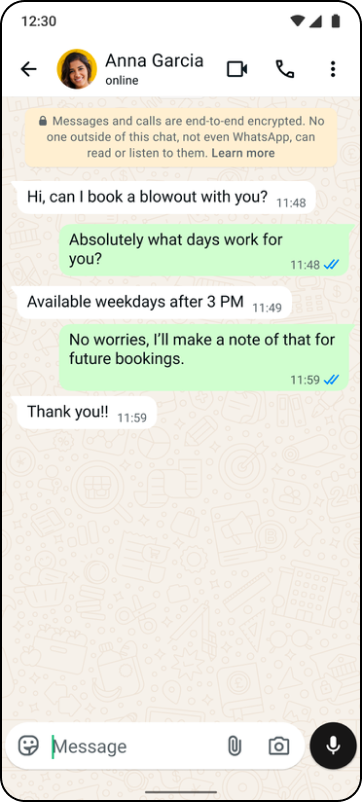
The WhatsApp Business app helps you maintain work-life balance, even during busy periods like the festive holiday season. With multi-device support, your team can manage customer messages while you’re away, ensuring your business stays responsive at all times. By assigning multiple users to your WhatsApp Business account, you can delegate access and enable faster replies, so your business continues to run smoothly no matter where you are.