

Let Meta Business Agent be your holiday helper—answer customer questions with ease!
Rest assured that your customers are taken care of while you’re enjoying quality time with friends and family during the holidays. Your Meta Business Agent acts as a sales concierge offering round-the-clock customer service, freeing up your time as you approach the busy holiday season so you can focus on production and meeting holiday deadlines. Additionally, you can set up your AI agent to answer frequently asked questions while you’re away to keep your business running smoothly and enjoy your holiday season to the fullest!

*Meta Business Agent is currently available to users in Mexico and the Philippines.
Stay responsive all season long with automated messages
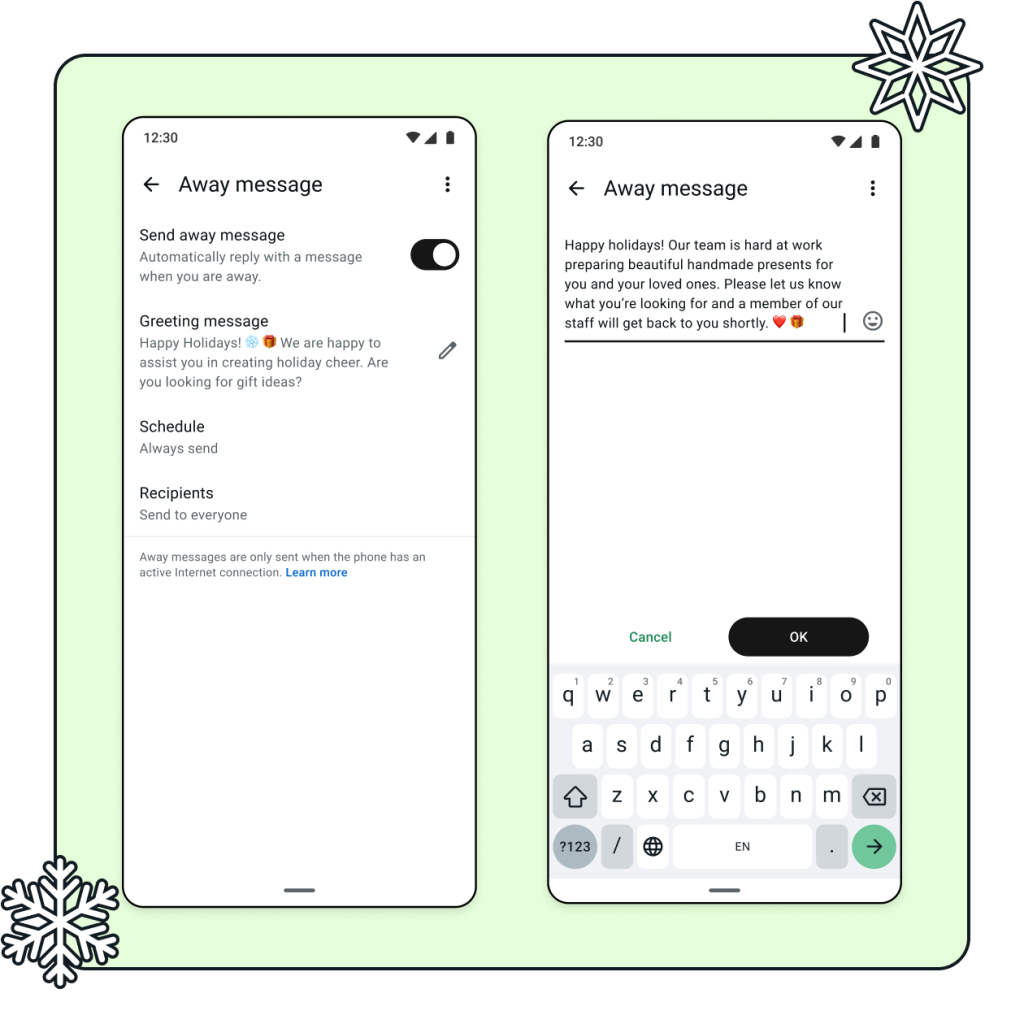
Gone for a weekend getaway? On a ski trip without cell service? Use greeting and away messages to ensure instant, 24/7 replies for your business. If you’ll be out of the office, update your away message to let customers know when they can expect your return. If team members are going on vacation, update your message to let your customers know that you’ll get back to them soon.
Add a fun holiday-themed greeting message for your customers to create a pleasant gift shopping experience. Greeting and away messages help you automatically reassure customers that you’ll get back to their message — so you can enjoy time away without worrying about losing sales.
Give the gift of speedy customer service with quick replies
Buried in repetitive questions and finding it hard to respond to every single one? Create saved responses using quick replies that you can easily send with a shortcut (Example: /hours /payment). Save time by not needing to re-type basic business information like your hours, business location and directions, and preferred payment methods. Handling repetitive questions frees up your business time so you can focus on custom orders and more complex customer conversations.

Spread holiday cheer with status updates
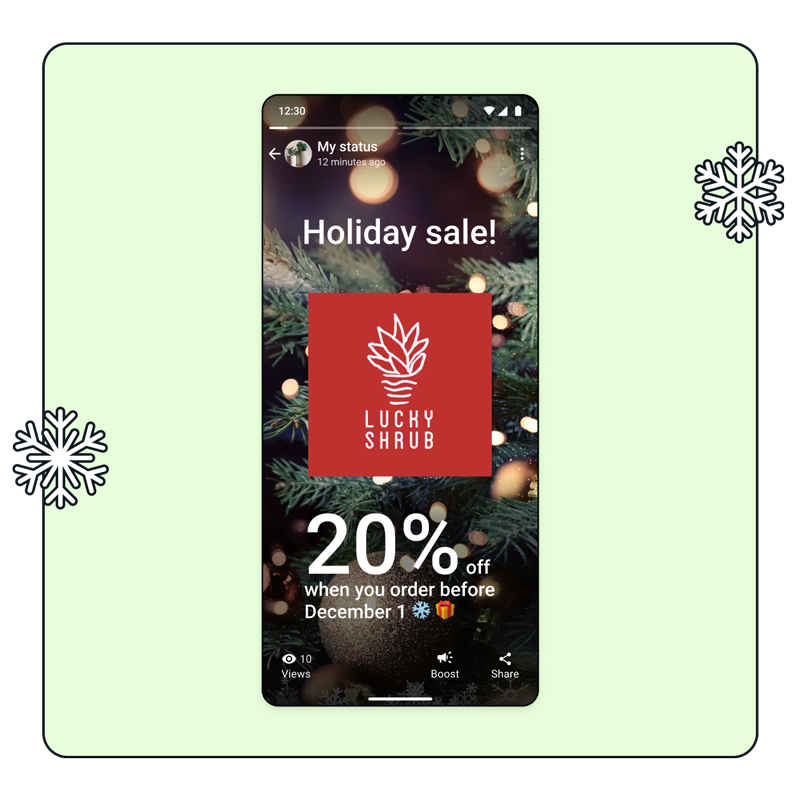
Updating your WhatsApp status is a great way to let customers know about holiday offers or sales. You can also share important business information (like special holiday hours) and showcase specific products and gift ideas. These help to keep your business top-of-mind for customers as they think about gifts for their loved ones. Engage your customers by adding a call-to-action to encourage them to browse your shop or make a purchase!
Use ads that click to WhatsApp to grow your customer base
Grow your business even while you enjoy a well-deserved holiday break. Ads that click to WhatsApp help you reach new potential customers, bringing them directly into a conversation with your business. Use ads to help with customer outreach, find new leads, make sales, without the need to individually find and reach out to new customers. Give yourself the time to focus on holiday production and family time this holiday season — use greeting messages, quick replies and Meta Business Agent to help manage your inbox.

WhatsApp Business App Resources
Learn all the ways you can build deeper relationships and drive value for your business across the customer journey using the WhatsApp Business app.